Find Web Technologies Used In Websites
Lead Generation
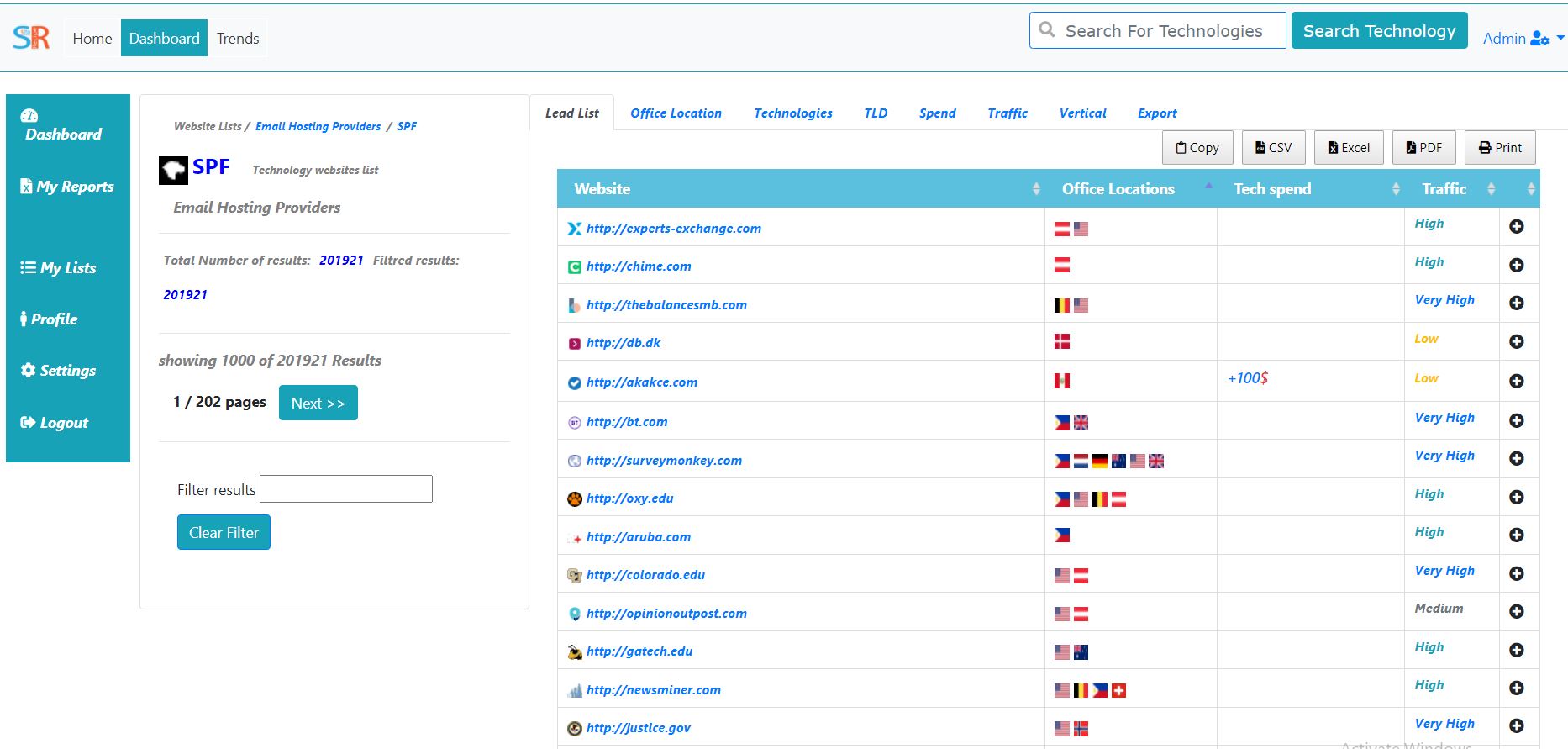
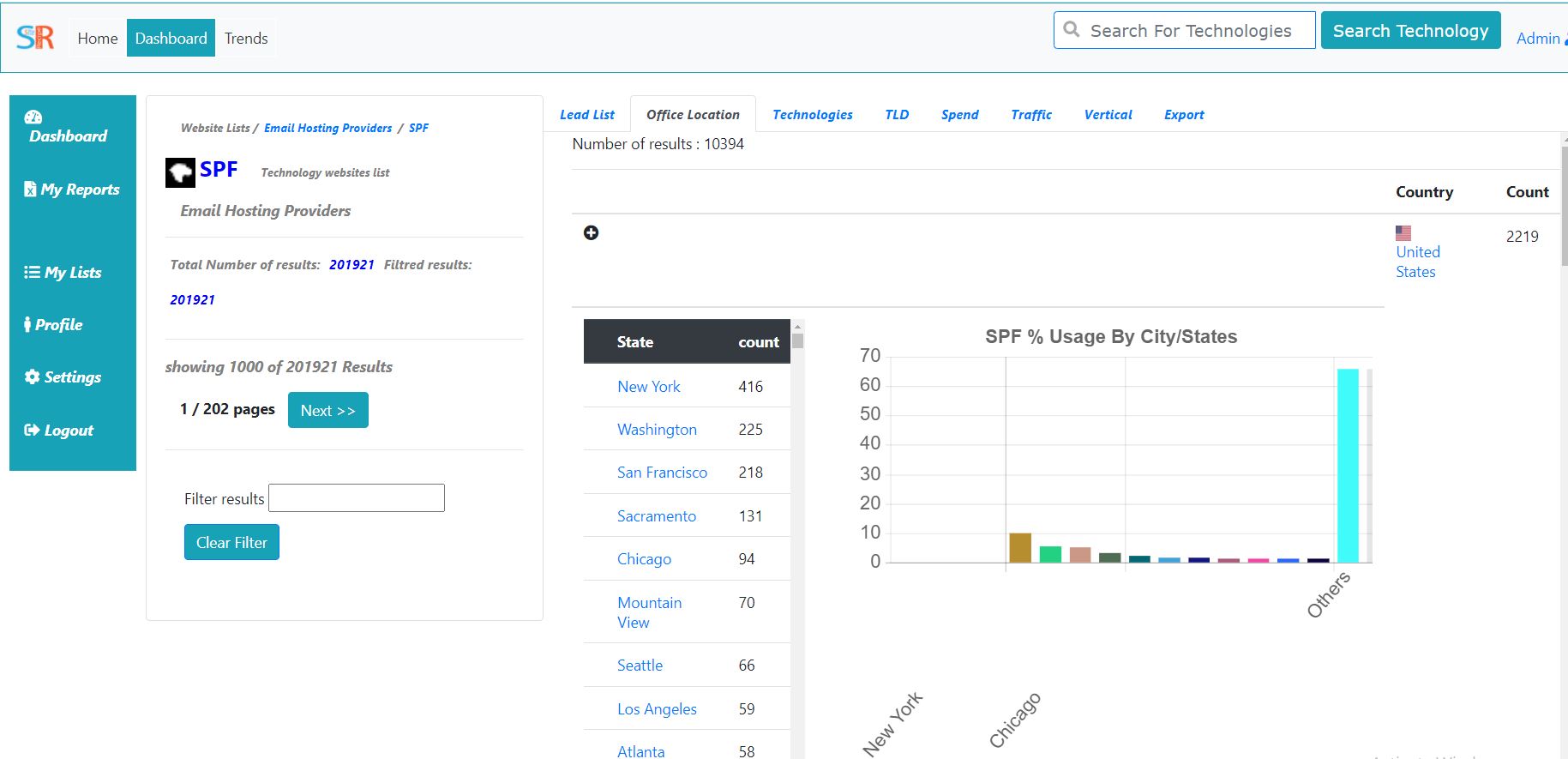
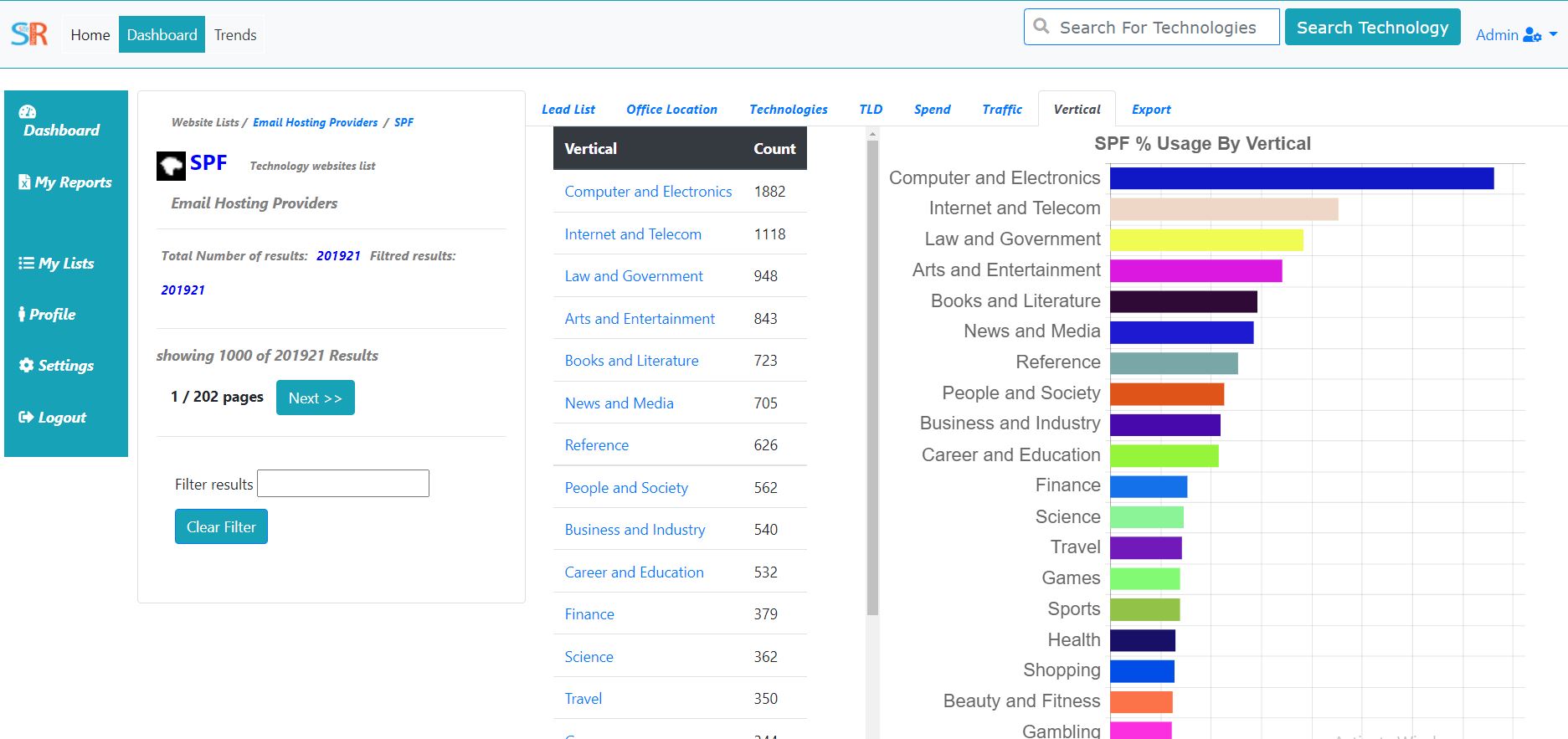
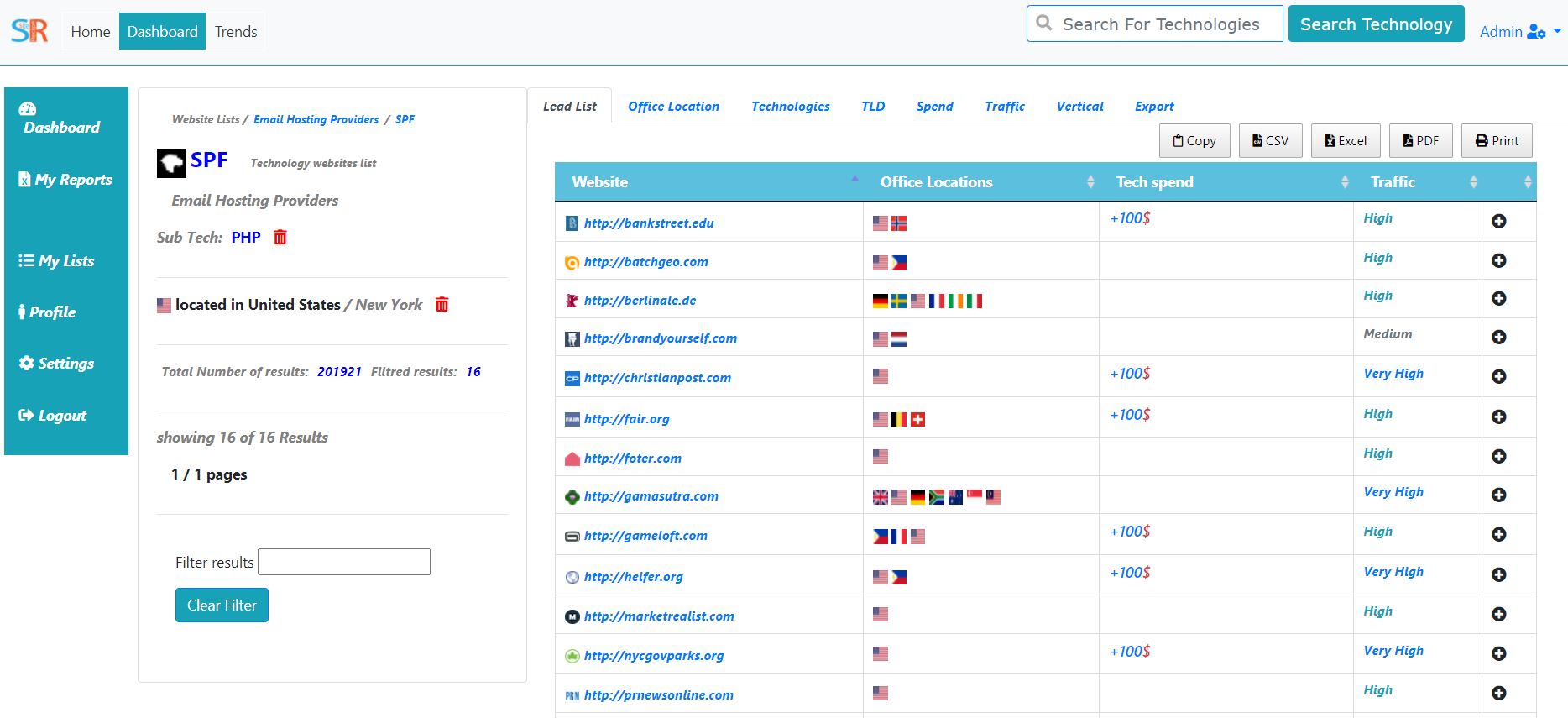
Build lists of websites from our database of 60000+ web technologies and over millions of websites showing which sites use shopping carts, analytics, hosting and many more. Filter by location, traffic, vertical and more.
Sales Intelligence
Know your prospects platform before you talk to them. Improve your conversions with validated market adoption.
Market Share
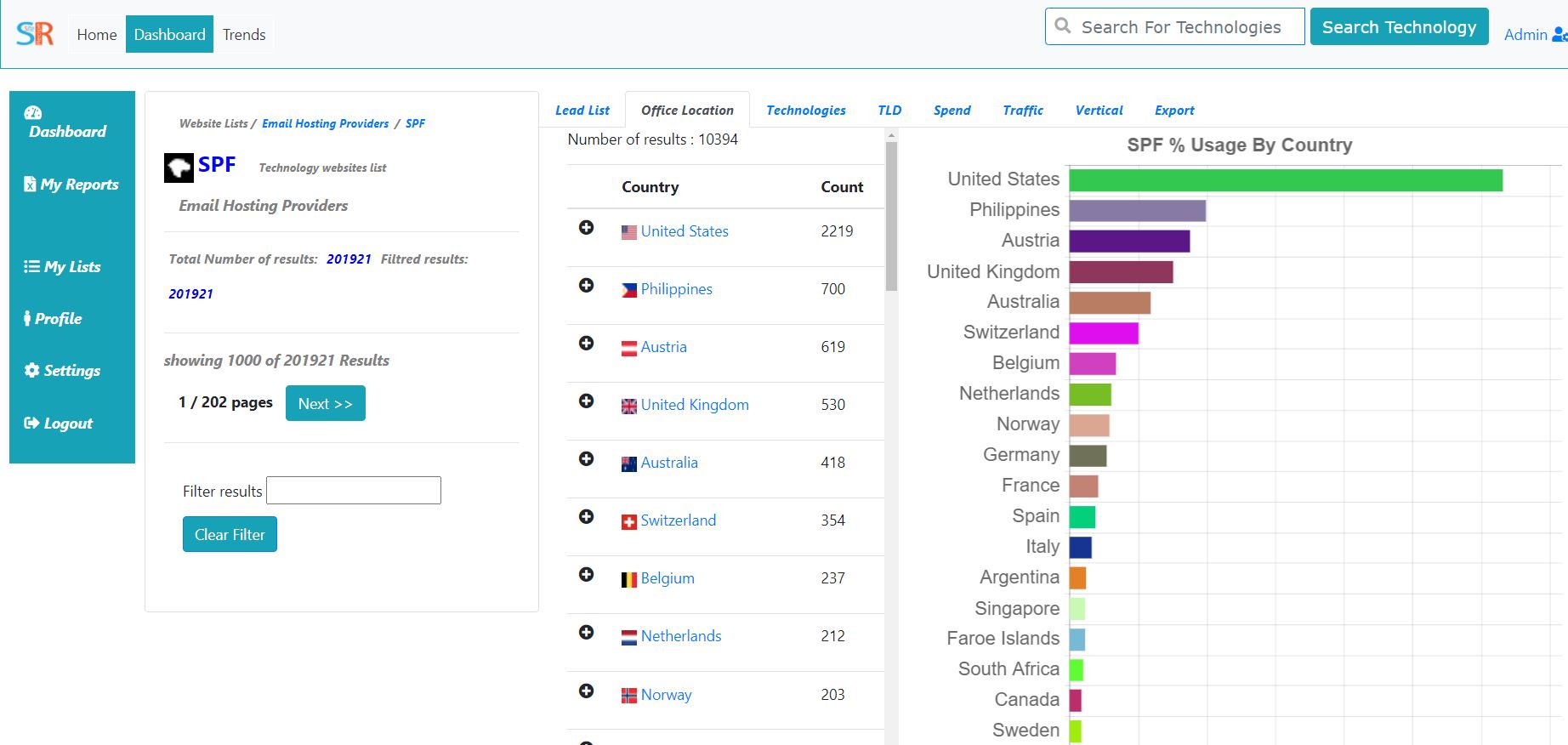
Get advanced technology market share information and country based analytics for all web technologies.
How we detect technologies?
We detect technologies like the way Google's does, by web crwaling the web and using our own software and Machine learning algorithms to identify technologies around the web, we currently track the websites which are well ranked beyond top 10 million websites and provide reports with details informations and meta data which make it usefull for your bussiness Led Genration Reports.
How SiteRecipe can help me identifiy Leads for my Bussiness?
We track thousands of web technologies which are mostly used in the web our internal ranking system help us identify which technologies we should investigate most of our time tracking, we build auto generated reports which updated regularly to meet the most updated technologies,those reports can help you identify your targeted customers and give you a good insights on a bussines you want to contact for your B2B or B2C bussiness.
What does a Single website report Have?
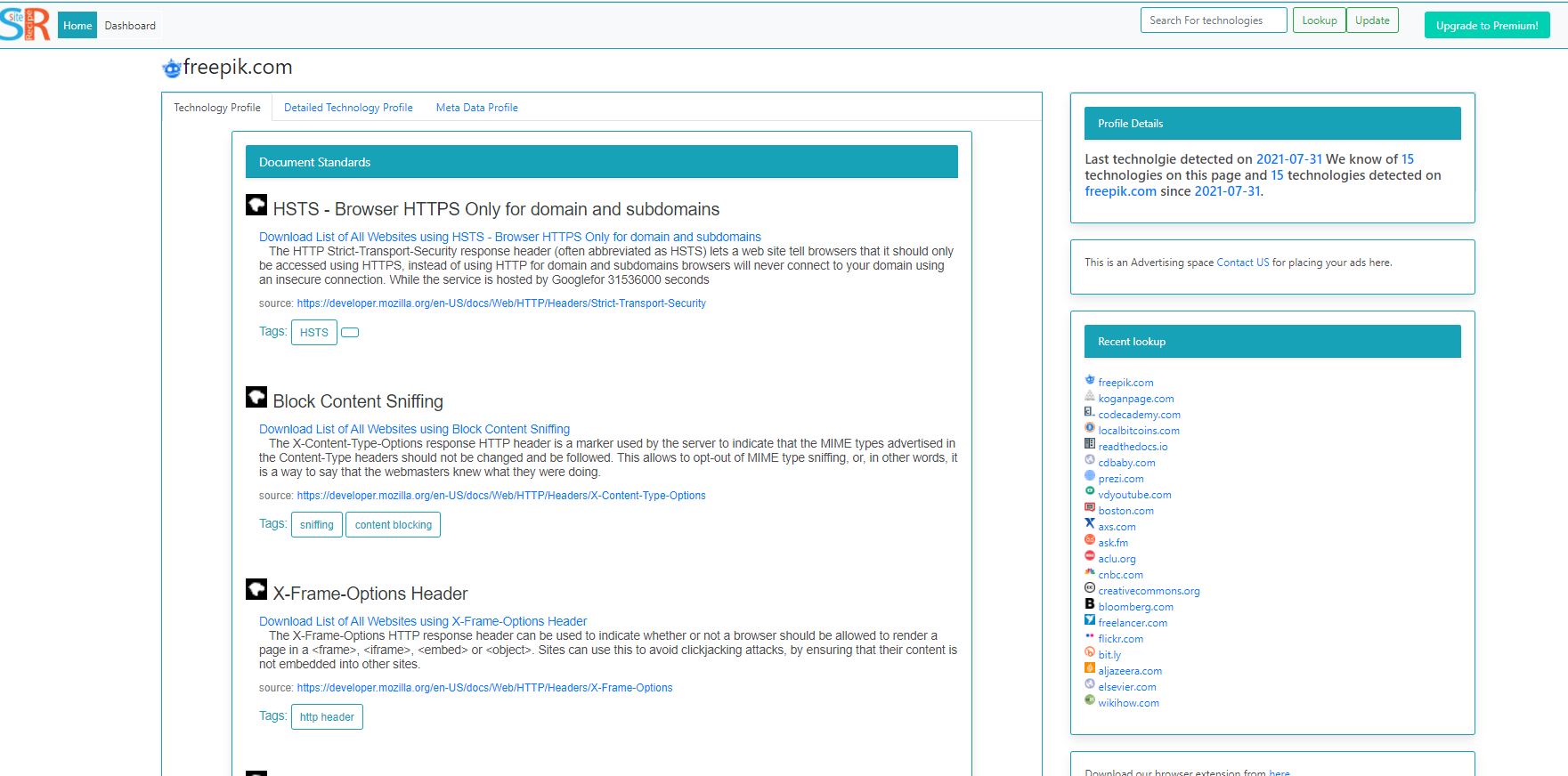
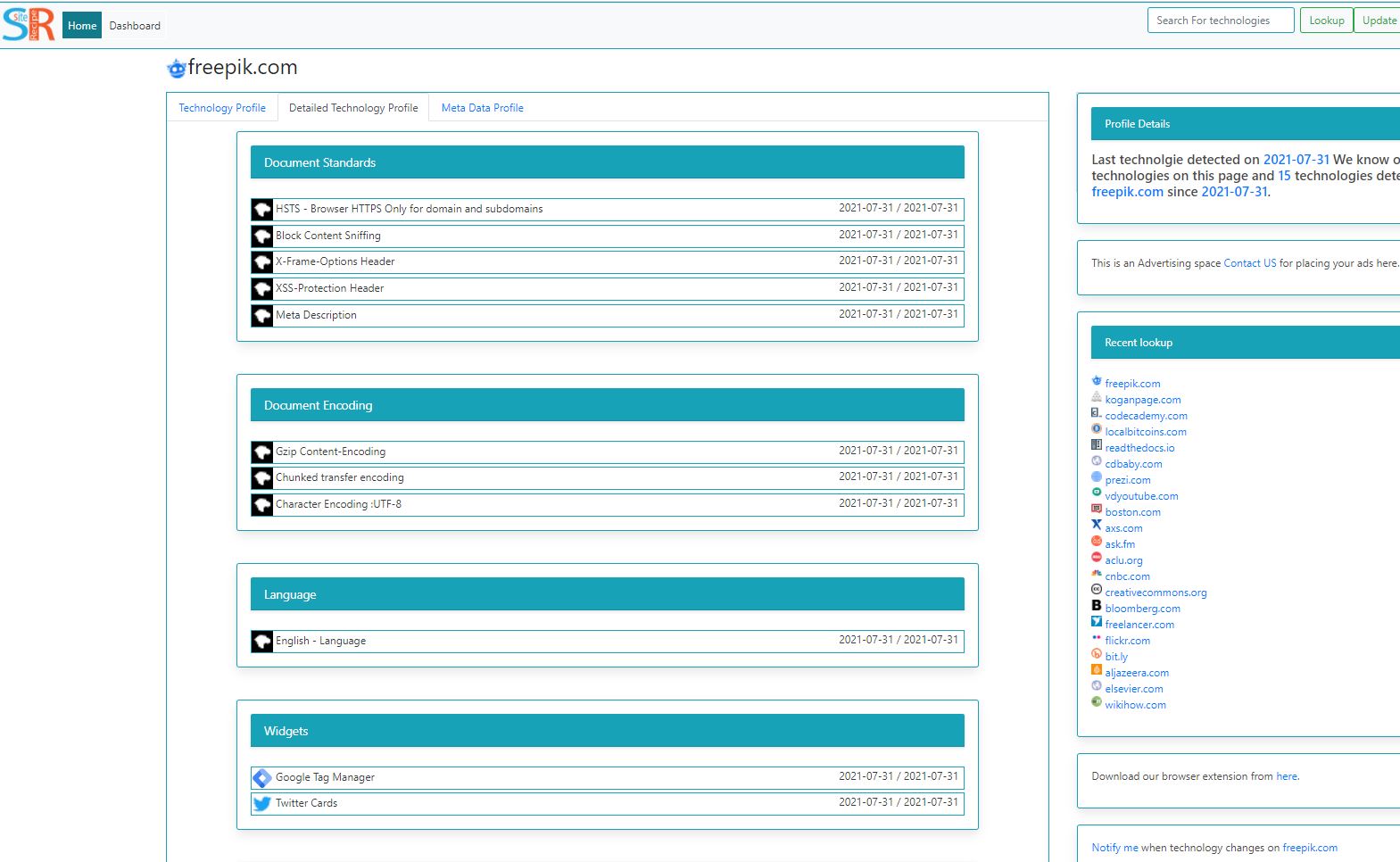
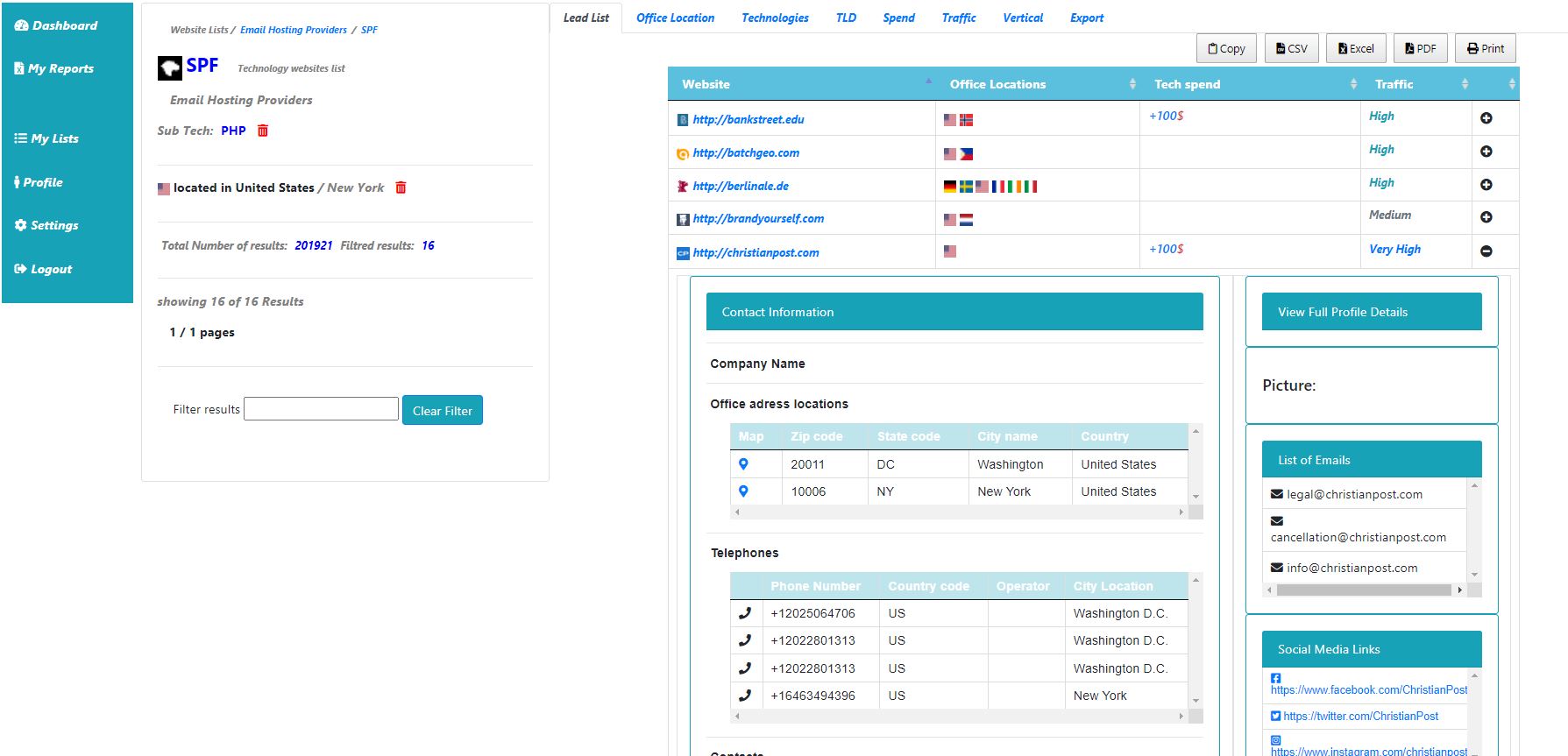
Each Website we track have a report generated and Updated periodiclly the website report have the list of technologies a website use and used in the past. We give you the Technologies we detected on the website and links to other website which use the same technologies, we also give historical technologies detections on the websites and the time the website's stop using certain technologie. we also provide you with the meta data reports for each website if the website is having contacts details
What Types of Data the Generated Reports have?
we provide you exclusive lists which can be filtred based on multiple factors and leads our reports provide you the following meta data provided by companies if we found it listed in the companies websites
- Emails
- Companies Names
- Companies Address and street name
- List of Phone numbers of the companies
- List of Empolyees of companies
- List of Social media profiles
- Companies Website verticals and cotegories
- Companies Websites rankings inlcuding Tranco,Majestic
- Numer of siteMaps the website have if configured
- How fast the website is by calculating TTFB (time to first byte)
- Reffering IP addresses
- Reffering subnets
What are the reports Genrated using Pro versions?
Currently the pro version is not yet available for the public it is in the last steps for making it availble the pro Version will provide you reports based on the bellow criterias,you can rigist now and once the pro version is ready we will let you know
Location based reports
Intersect Technologies reports
Top Level Domain selection (TLD)
Technologie Spending filtring
Traffic filtring
Vertical Filtrings
What are the export options we provide?
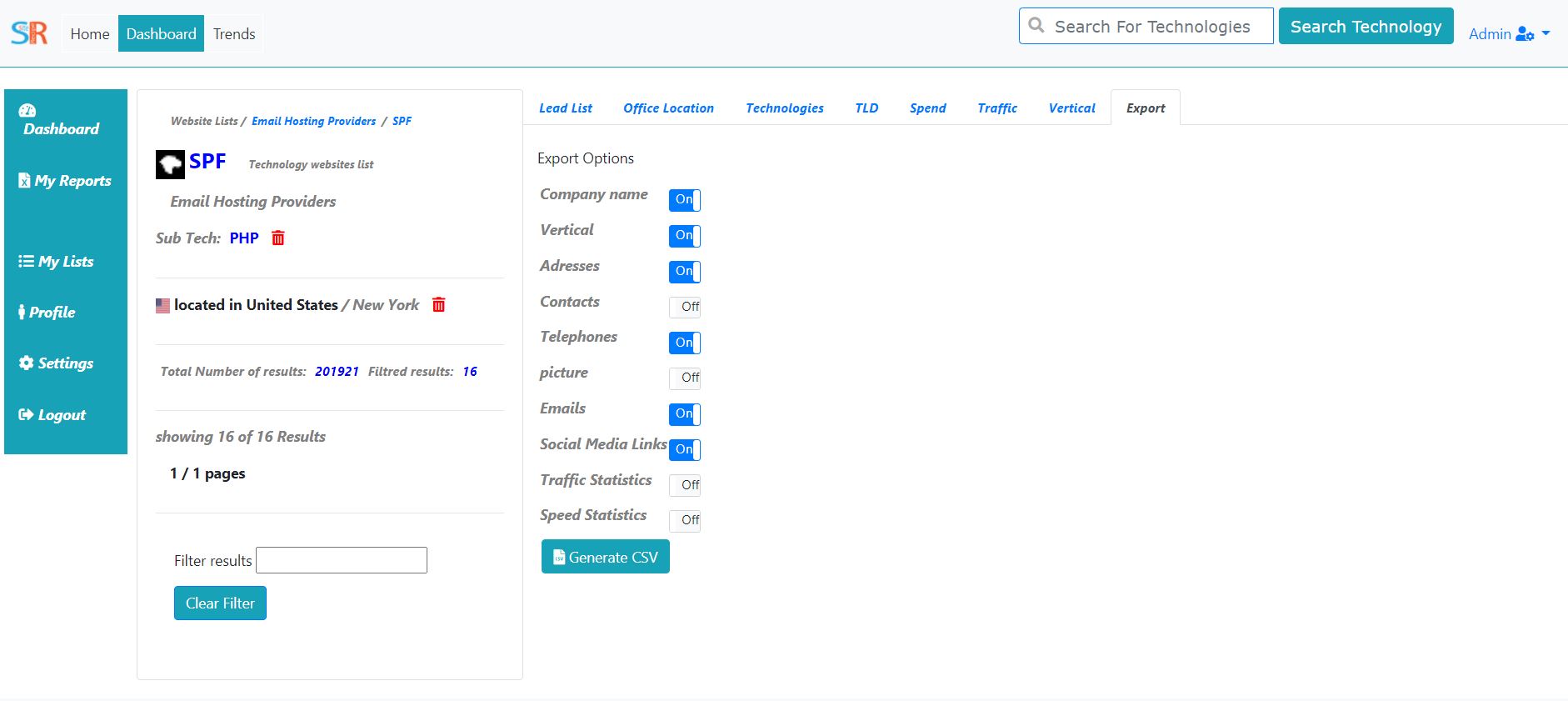
once you are ready to export your list you can choose to export under one or many export options we have in the page export using PDF,CSV and EXCEL format as well as the CSV For details you can specify if you need to export on or all of the list of options bellow
- Company Name
- Vertical
- Addresses
- Contacts
- Telephones
- Emails
- Social Media Links
- Traffic statistics
- speed statistics